Apple’s own Audio Products cannot play Lossless Audio.

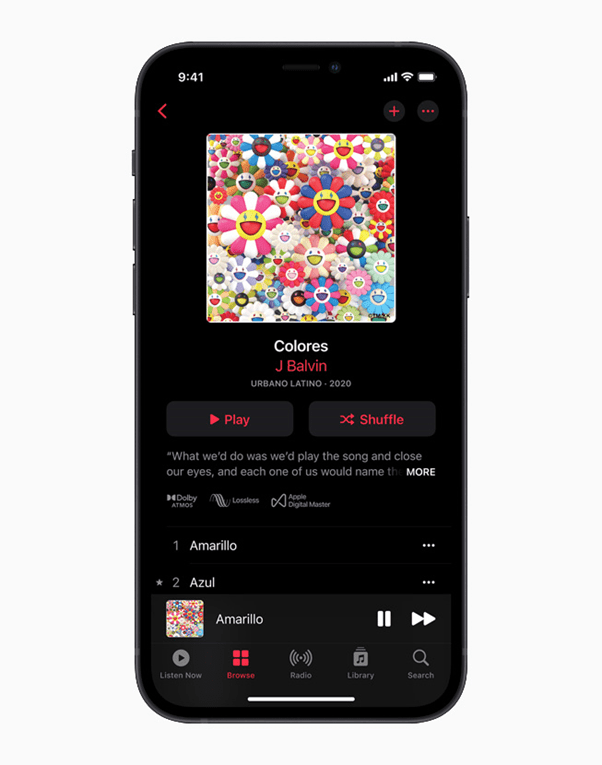
On the 17th of May, 2021 Apple announced Lossless Music support for Apple Music along with Spatial Audio with Dolby Atmos support. But, Apple’s own audio devices do not seem to be happy about it.

Important:

HomePod, HomePod mini, AirPods, AirPods Pro, AirPods Max, or any other Apple W1/H1 based audio device, cannot play Apple Music Lossless via Bluetooth but rumors suggest it might be coming soon with AirPlay.

So already we have learned that Apple’s $550 ($900 AUD) AirPods Max are not capable of playing Apple Music lossless (through Bluetooth) which is coming in June. And, Apple confirmed to The Verge that the HomePod mini and HomePod will not support the new lossless audio either.

Source: Apple

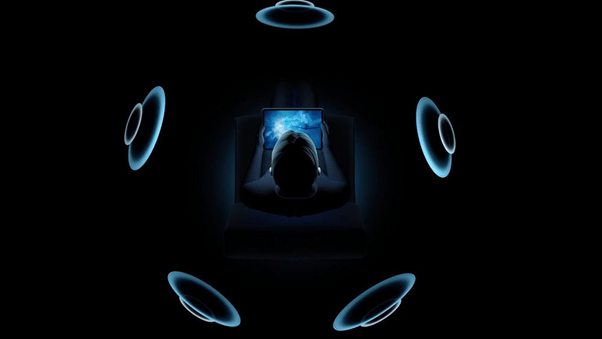
But don’t get too worried, there is some good news. The HomePod, HomePod mini, AirPods Pro and AirPods Max will work with Apple’s new spatial audio feature. Spatial audio provides more immersive audio than a standard stereo or virtual surround mix.

All Apple W1/H1-based audio accessories and latest versions of Macs, iPads and iPhones will default to Dolby Atmos playback. And if you’re headset doesn’t have the W1/H1 chip, you will have to enable it manually, so you’re not missing out on anything.

Source: Apple

Availability listed below (From Apple):

Spatial Audio with support for Dolby Atmos and Lossless Audio will be available to Apple Music subscribers at no additional cost.

Thousands of tracks will be available in Spatial Audio with Dolby Atmos at launch, with more added regularly.

Apple Music’s catalog of more than 75 million songs will be available in Lossless Audio.

Nomad Base Station Pro Review

Nomad’s Base Station Pro was supposed to usher in a new era of wireless chargers, promising to make the dream of a multiple-coil wireless charger a reality when it was announced nearly a year ago. After significant delays, the company has been beaten to the punch, but Nomad’s version is finally here, taking the multi-coil approach that Zens debuted (and Apple reportedly failed at entirely with the canceled AirPower) and pushes it even further with a thinner charger that can wirelessly charge up to three devices. And costs $199.95. And if you want an Apple Watch mount it costs an extra $2.

You can buy it here on Nomad‘s Official Website.

But while the Nomad Base Station Pro — and the Aira FreePower technology that powers it — may one day be the future of wireless charging technology, right now, the current version is just too expensive and too limited.

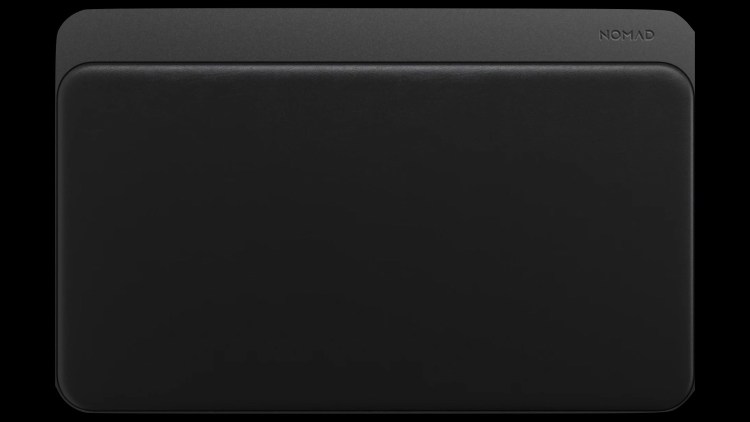
From the outside, the Base Station Pro looks like a larger version of the company’s existing Base Station wireless charger, with the same slim profile, smooth black leather, and gray aluminum. The only port is a USB-C plug on the back for power, with three status LEDs on the front that indicate when a device is charging.

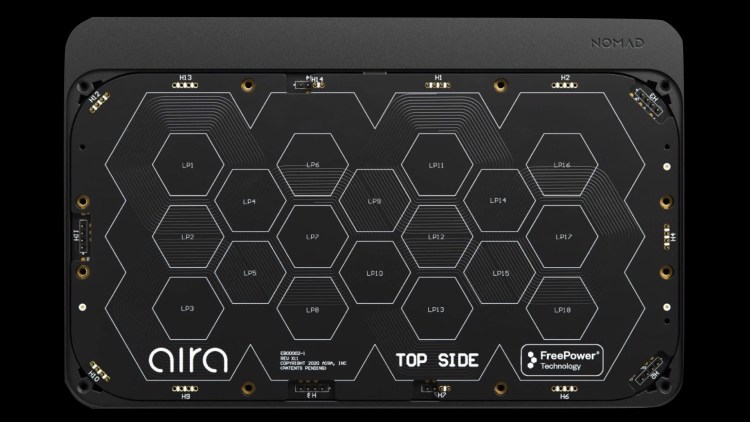
Things are very different on the inside, though: instead of the traditional three copper charging coils, the Base Station Pro has 18 and uses Aira’s FreePower wireless charging technology. While Nomad is providing the (excellent-looking) trappings, it’s Aira’s technology on the inside that makes the Base Station Pro different from nearly every other wireless charger out there.

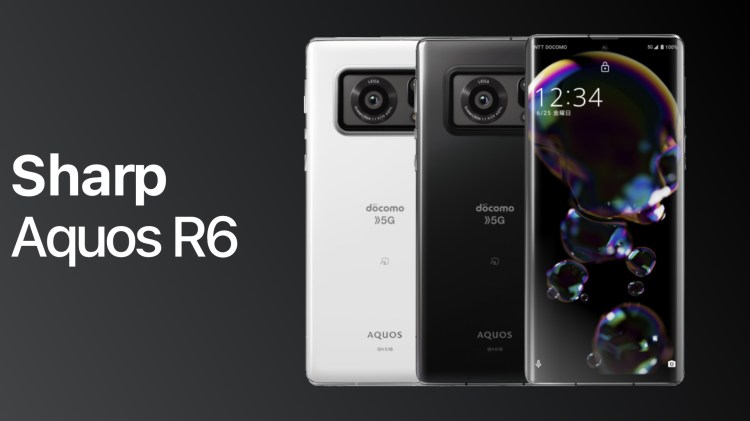
1-inch Camera sensor on a Smartphone? – Sharp Aquos R6

One of the most sought-after features on a Smartphone now-a-days are the cameras. This has led to a lot of quirky/innovative designs from many companies. Sharp, whilst not being renowned for their Smartphone business, have produced some amazing phones in the past, and their latest addition to the Aquos line is one very interesting smartphone.

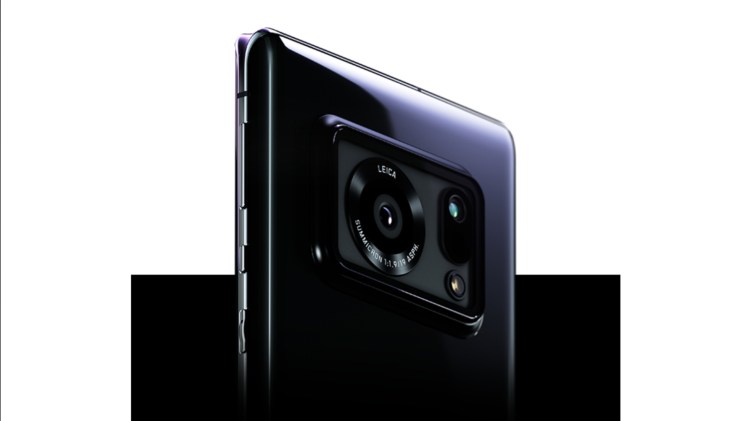
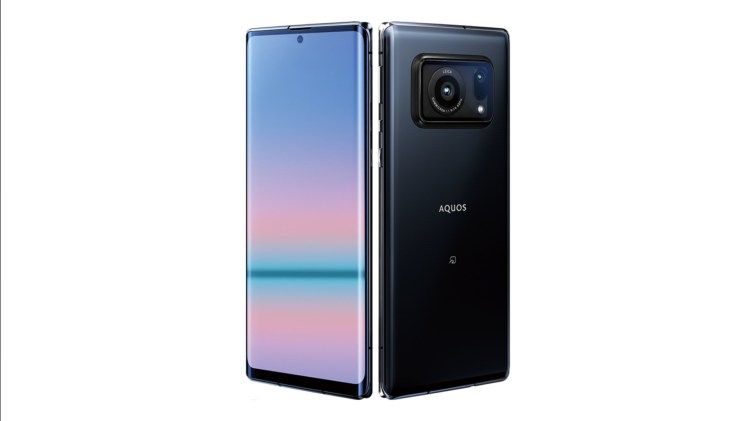
The Aquos R6 packs a 20MP 1-inch camera sensor with Leica-designed optics, making it the first smartphone in the world to feature a sensor of that size. Samsung currently offers a 1/1.12-inch sensor in the form of the 50MP Isocell GN2 but hasn’t yet breached the 1-inch barrier. Sony is also rumoured to have a 1-inch sensor in development, but it hasn’t seen an official release.

While ground-breaking in the camera front, the rest of the specifications are nothing to scoff at, either. It features a 6.6-inch IGZO OLED display with a resolution of 1,260 x 2,730px (2K+) and a 240Hz Variable Refresh Rate. It can drop down to 1Hz when required, saving unnecessary drain on the 5,000 mAh battery. Sharp is also claiming the display has a max brightness of 2,000 nits — reportedly the highest peak brightness of a mobile display to date. Typical for a 2021 flagship, it also features the Snapdragon 888 coupled with 12GB of RAM and 128GB of UFS 3.1 storage.

Details about pricing and availability haven’t been made public yet.

Thanks for reading!

About the Author:

Pranav is a Film-maker who makes Tech Videos on YouTube.

Socials

Android 12 Developer Preview 3 Overview

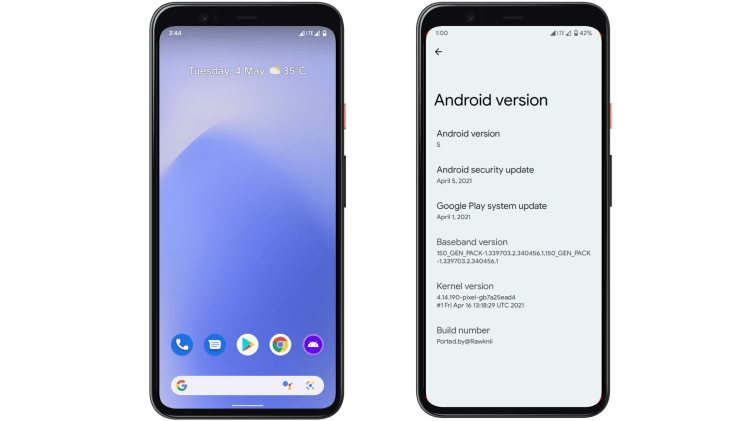
Google has released the Developer Preview 3 of Android 12 with some new features like Game Mode, a better “Monet” theme and some major UI changes.

New Features in Android 12 DP3

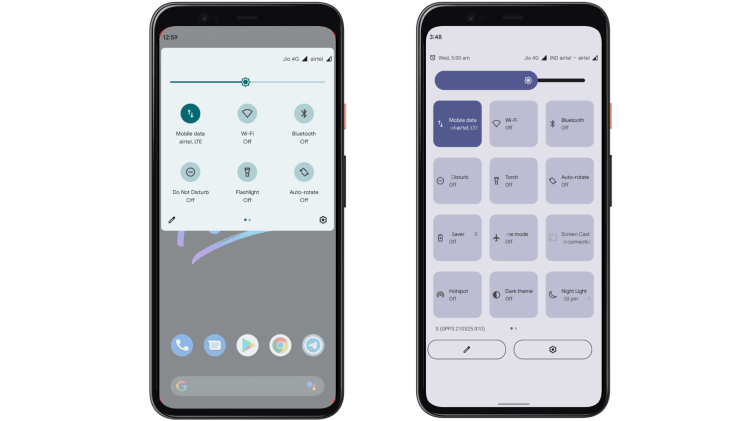
There is a major Quick setting overhaul in the works, a new Game Mode for the avid gamer, new quick gestures, a new unlock experience and new animations for bringing it all together.

Some features are hidden and need to be unlocked via an Xposed module suggesting they might be in a private testing phase and might not make it to launch day.

The New Quick Settings Panel

The quick settings panel in Android 12 already underwent minor changes in the earlier developer previews and now it’s been completely overhauled. The brightness slider which received a new design in DP2 has not changed but the the QS tiles which used to be rounded and small have become big and rectangular and more accessible with one hand. This seems to be in line with the one handed aesthetic in the other parts of the UI. More information is available too as the tiles are now much bigger.

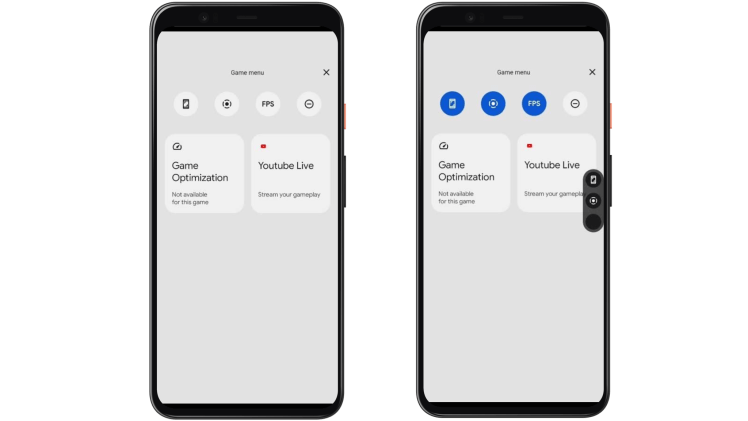
The new Game Mode

The Developer Preview 3 also includes a working Game mode albeit a buggy one. The older Previews did have the mode but it didn’t work as intended. The new mode includes a FPS counter, a Game optimization menu, an option for taking a screenshot, record

ing the gameplay and an option to live stream to YouTube directly with one click of a button. This is a highly requested feature as most of the custom Android skins have some form of a “gaming mode” which was always absent in the Pixel line of phones.

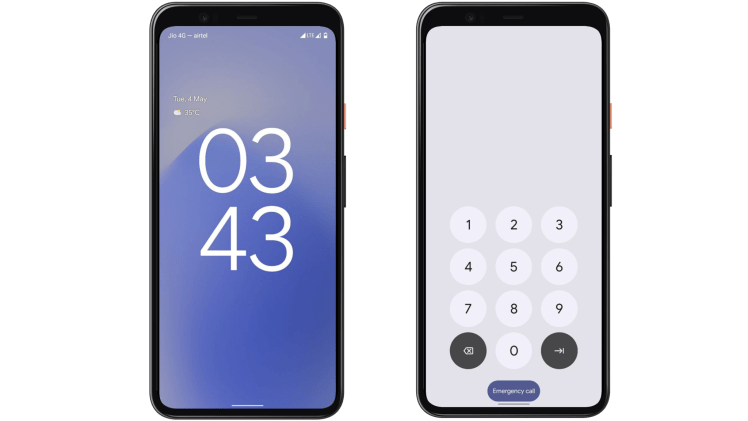
The new Lockscreen experience

Android 12 received a huge overhaul to the lockscreen with the oversized time display and better notification placement for one handed use. The PIN is easier to enter with big buttons for each number and a satisfying ripple effect on every touch of the buttons.

The improved “Monet” theme

Android 12 had a hidden theme algorithm with code name ‘monet’ which dynamically changed the accent theme for the whole UI based on the tint of the wallpaper. It was a little buggy in the DP2 but seems to be working well in DP3.

Apple Announces Lossless Apple Music, but there’s more to it.

After a few weeks since we first heard about Apple Music getting Lossless Audio functionality, we finally have the official announcement.

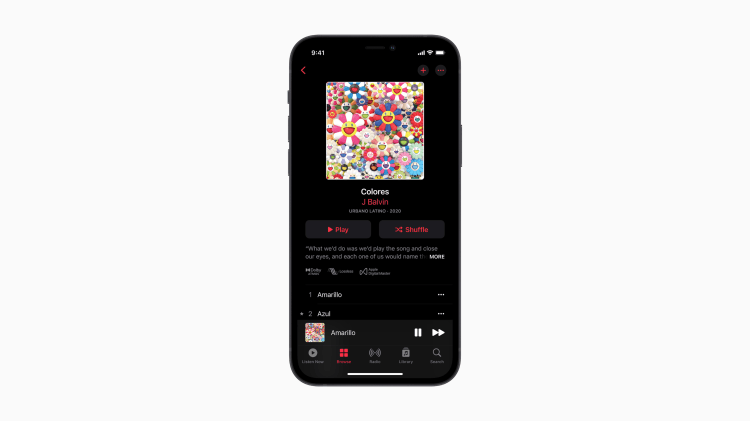
Existing Apple Music users can experience and enjoy industry-leading lossless Apple Music at no additional cost and with support for all of the 75 Million Songs that Apple Music currently offers. Although it will only be available to use in June 2021, potentially on June 8th, the day after WWDC.

Source: Apple

But it doesn’t end there, along with Apple Music Lossless we also get Spatial Audio Support with Dolby Atmos.

“Apple Music is making its biggest advancement ever in sound quality,”
– Oliver Schusser, V.P. of Apple Music and Beats.

If you have Apple or Beats Headphones with the H1 or W1 chip, Apple Music will play Dolby Atmos by default. The same applies to the latest versions of the Mac, iPhone and iPad. (Still unclear if version refers to the iOS version or the latest devices)

Apple Music lossless uses the ALAC (Apple Lossless Audio Codec) file format which allows Apple Music users to hear the same exact thing as the artist created in the studio.

To enable Lossless Audio, subscribers using the latest version of Apple Music can turn it on in Settings > Music > Audio Quality.

Apple’s Hi-Res Lossless Audio Maxes out at 24bit at 192kHz for True Audiophiles.

Listening to a song in Dolby Atmos is like magic. The music comes from all around you and sounds incredible. Now we are bringing this truly innovative and immersive experience to our listeners with music from their favorite artists. Subscribers will also be able to listen to their music in the highest audio quality with Lossless Audio. Apple Music as we know it is about to change forever.
– Apple

How does this matter?

At no additional cost, Apple Music Subscribers can now experience music they way it was meant to be listened.

The audio quality will be much better and you will surely notice the difference.

Although you will need compatible headphones to experience it at its best with the highest tier of lossless, but if you don’t have any of that, the music that you listen to, should still sound better on your current Apple Device or Headphones.

By iTech Everything

Apple Watch Secret Feature: Red Flashlight!

Hey there! Did you know the Apple Watch has a red flashlight? It has a white one, but the red one goes under the radar for many people!

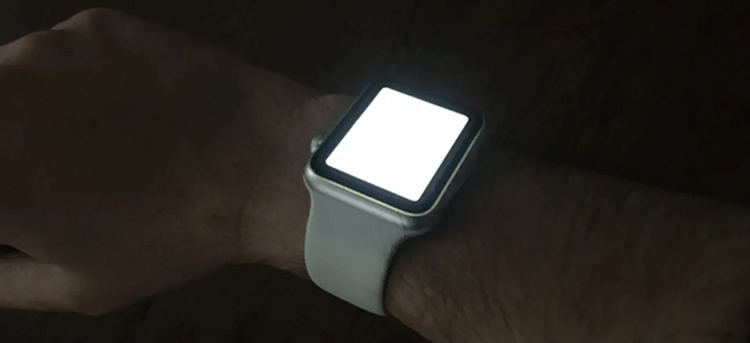
The White Flashlight

To enable this, it is pretty simple! Just open up the control center and click on the flashlight icon. Here is what it looks like:

Source: howtogeek.com

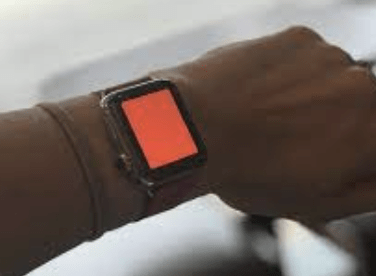
The Red Flashlight

The red flashlight is way less common and is actually pretty cool! It is better for when you are in a movie theater or in a dark room because it does not bother people as much and your eyes don’t have to adjust as much! Here is what it looks like:

Source: imore.com

Final Thoughts!

The Apple Watch also has a yellow flashlight, though I think that it is used the least. But aside from that, it is really cool feature that not a lot of Apple Watch owners know about! And if you happen to be reading this article and own an Apple Watch, do be sure to try it out!

The CORSAIR KATAR PRO Mouse Review – Cheapest and Dope-est!

A solid mouse for the price, but with obvious caveats!

Overall Rating: 8.4
Connectivity: Wired Buy it here!↗
Model name: Corsair Katar Pro MOBA Gaming Mouse

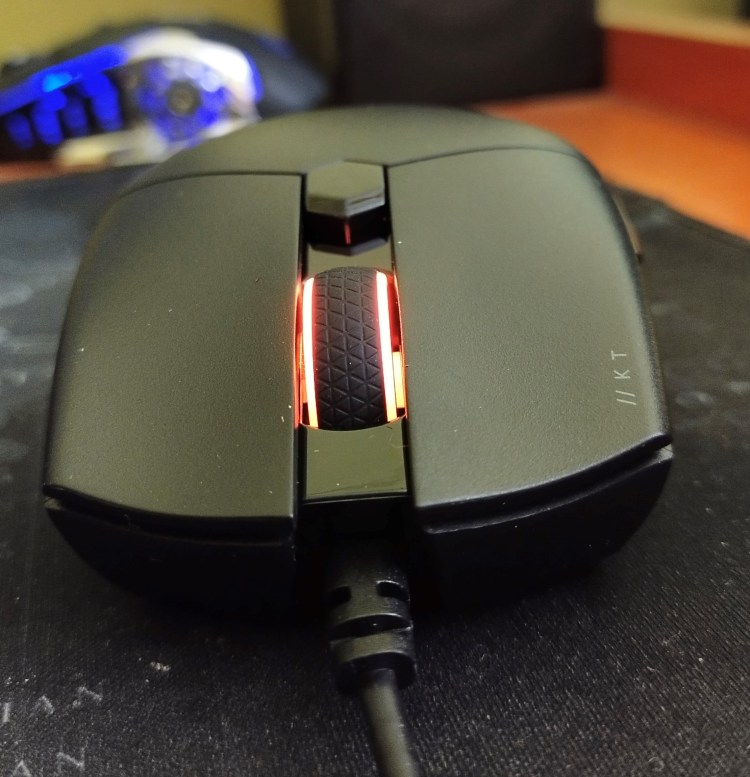
The single LED gives you an edge over your colleagues!

VERDICT

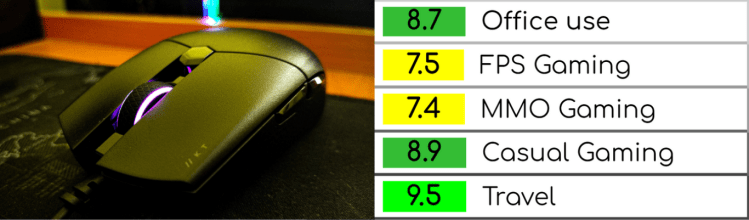
8.7 Office Use
Decent lightweight mouse, and it isn’t an attention grabber. The single LED will give you an edge over your colleagues though! The robust DPI and LED customization will suit pretty much any office environment.
7.5 FPS Gaming

Although the lightweight is a pro for offices, it affects the FPS gaming experience. Although it isn’t bad, something’s off for sure!
7.4 MMO Gaming

The sheer light-weightedness resurfaces in MMO gaming, and unless you have a firm grip, it can cause terrible issues. Also, palm grip users will have a hard time adjusting to its shape.
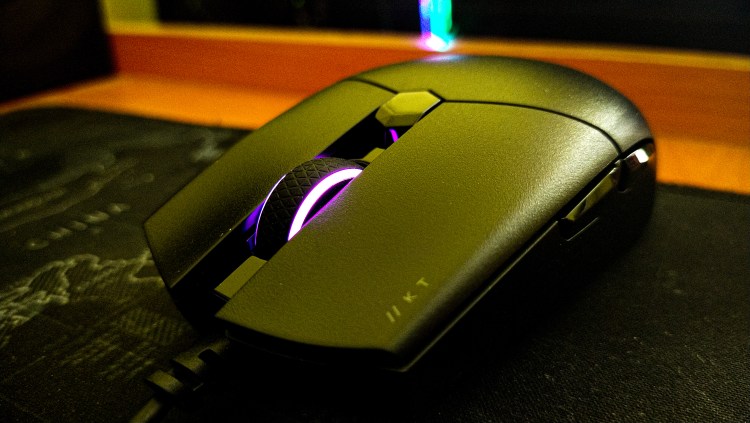
8.9 Casual Gaming

The simple design and the affordable price makes it an awesome choice for casual gaming. The smooth texture, coupled with 6 buttons increases the immersion in vast open worlds and RPGs!
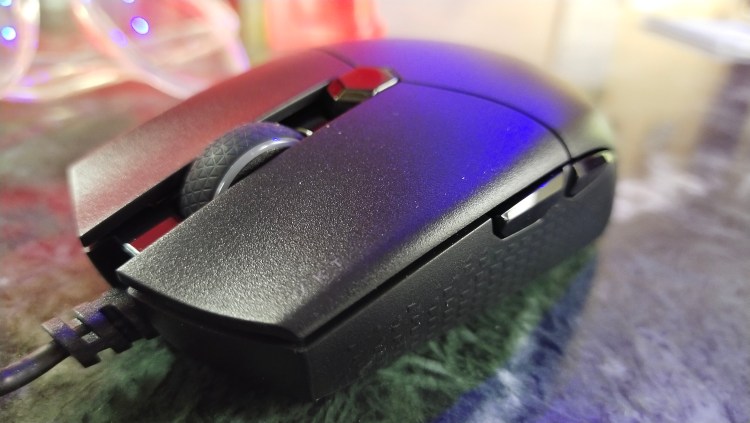
9.5 Travel

If you are an avid traveller, the Katar Pro is made for you. Weighing at just 69 grams, you can carry it anywhere, without a hiccup. Also, the presence of an anti-tangle USB wire pretty much proves that Corsair built this mouse with travellers in mind!

In-Depth Review

Price

Starting at just ₹1,699 or $23 on Amazon, this mouse nails the price-to-performance values. If you keep an eye out for the prices, you can easily grab it for ₹1,399 or $19-and any other mouse at that price point isn’t even close to the Katar Pro’s quality or performance.
Check out current prices on Amazon here.

The yellow and black themed packaging of the KATAR PRO

Design

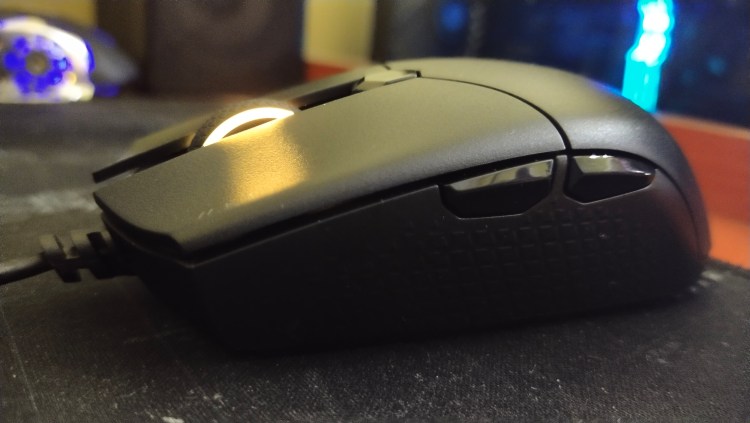
The Katar Pro has a pretty unique design. It is mainly made for claw grip and finger-tip grip, and this keeps it a “gaming” mouse for pro gamers. Palm grip users a.k.a. casual gamers will have a hard time trying to adjust to it.
The RGB on it is pretty bright and is completely customizable through the bundled iCUE software. Also, the minute small texturing on the sides, makes the grip a lot better.
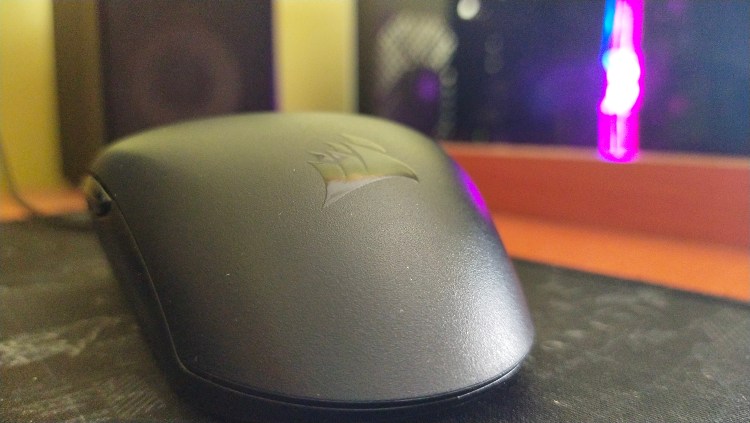
The rather unusual shape of the KATAR PRO

The left and right clicks are super tactile. The middle click is okay, but the scroll wheel is a little heavy. Also, the thumb forward and backward buttons do a good job, but it requires a little more pressure to click them as compared to the left and right clicks. And that may not favour you in adrenaline-filled gunfights.
Also, it has a terribly high Lift-Off Distance, over 4mm. That may cause serious issues in gaming. (P.S.: A quality gaming mouse has a LOD of 3 millimetres or below.)
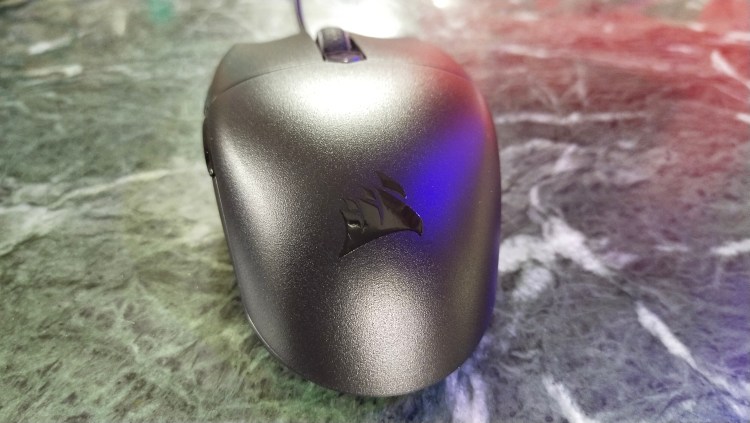
The body is completely made out of plastic, and though the overall build quality is okay, it feels cheap in hand. It doesn’t have the premium feel of the M65 elite, and thus won’t be that much of a showcase item. Also, you cannot customise weights on this, which bars it from being a choice of the hardcore gamer.

The terribly high Lift-Off Distance may cause serious issues while gaming.

Performance

The Katar Pro sports the 3327 sensor from Pixart. But it has been customised by Corsair to go from 200 DPI to up to 12,400 DPI, and not the 6,200 DPI that it natively supports. The polling rate for the 3327 is 1000 Hz. Although the Pixart 3327 isn’t a very good sensor, it is good to see these kinds of sensors in this price range!
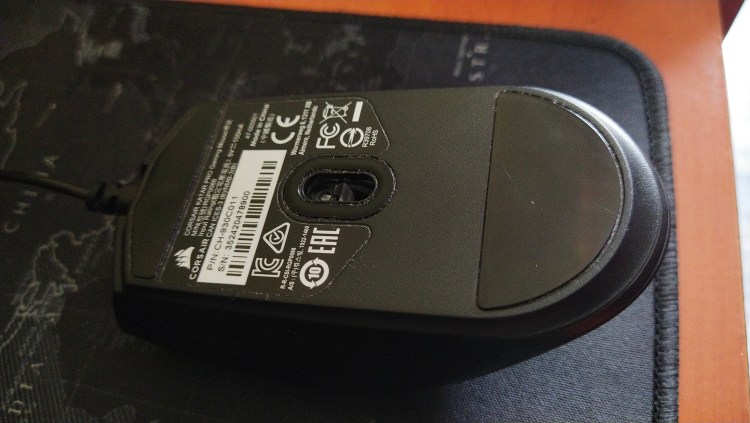
The Pixart 3327 sensor in the KATAR PRO

The DPI is completely customisable in hundreds through the iCUE software. Also, the iCUE software supports multiple DPI, which can be switched to with only one click of the mouse, and that is the DPI button.

In terms of real-life performance, the Katar Pro performs very well in short gaming sessions, as well as long gaming sessions. The good grip that this mouse offers gives an edge in half-an-hour long battle royale sessions.

Through multiple matches in Call of Duty: Modern Warfare and Fortnite, we can pretty much confirm that the upper limit of 12,400 DPI is pretty useless. The 3,400 DPI seemed to work the best for competitive shooters.

The Katar Pro performs very well in short as well as long gaming sessions.

Although the light weighted-ness may cause a few issues here and there, the Katar Pro performs too good not to recommend it to any budget gamer out there!

Final Thoughts

While there are caveats – it lacks a thumb rest, it is tapered towards the front, palm grip users will have a bad time, Corsair has pretty much nailed it. It is obviously better than most of the competition. Also, it is very small, so it won’t be something that gamers with extra-large hands would want – get the Corsair Harpoon Pro instead if you have big hands.
But if you fit perfectly in the product’s target audience, you will love it more than any other mouse in the sub-₹3,000 range.

Buy it here!↗

Gallery

Tested by Arka Mukherjee (Cyber Tech Tok)
Check out the video review here:

Google Products Launching In May!

So as we all know, Google’s I/O Conference is from 18-20th May.

If you don’t know what Google’s I/O, Google I/O is an annual developer conference held by Google. There a lot of things expected to launch in this conference, Let’s take a look at them!

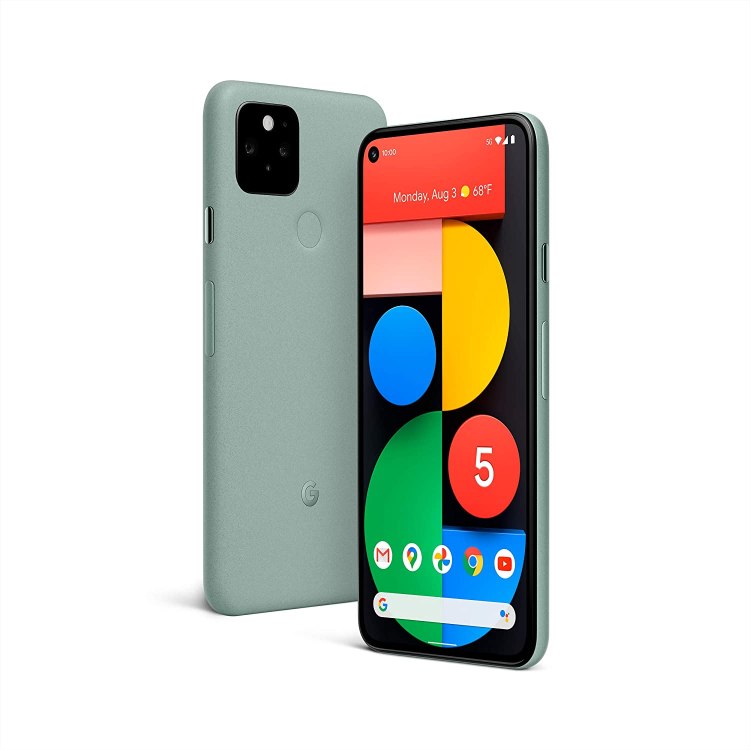
1. GOOGLE PIXEL 5a

Google Pixel 5a is expected to launch in Google I/O.

According to 91 Mobiles, The Google Pixel 5a will be equipped with a Snapdragon 765G, 6.2 inches 416 PPI OLED display. A 3480 mAh battery and a 12.2 MP + 13 MP Dual Rear Camera. it will support 5g too.

2. Android 12

Android 12 is also launching at this conference and is expected to

bring some privacy features, a new app launch animation for all apps that include an into app motion from the point of launch, a splash screen showing the app icon, and a transition to the app itself, and much more fun stuff like that.

3. Pixel Buds a

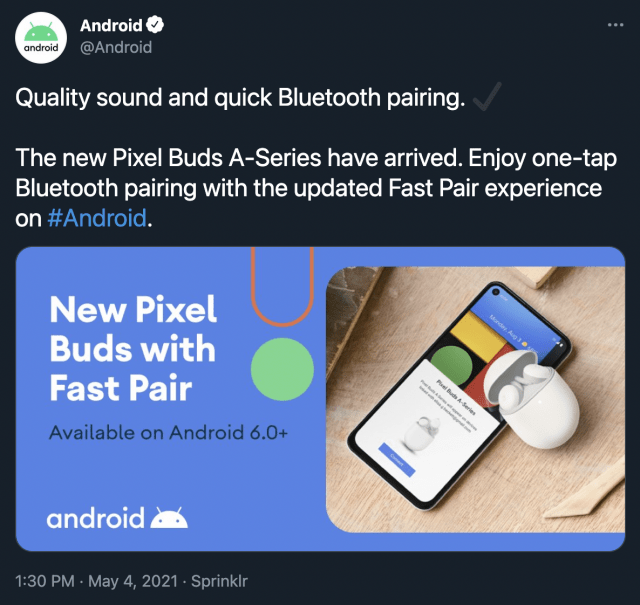
On May 4th, @Android accidentally revealed the pixel buds by tweeting this image. They deleted this after 10 minutes though but…You can’t stop the screenshots, can you?

3. Wear OS

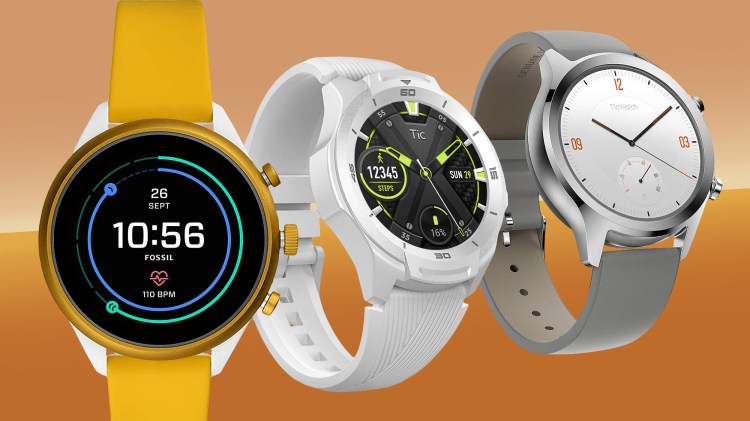
Recently, Google asked Wear OS users to fill out a survey so we might get a new update.

Google I/O Event: https://events.google.com/io/?lng=en-GB

I am really excited for this event! Just like I am excited to tell you about our site KineTech! At Kine tech, we provide articles on various topics! Tech news, accessories, leaks, renders. We have small but informative reviews called blitz reviews. At Kine Tech we try to provide you every info you need about every product in a short amount of time. So do subscribe! Thanks for reading!

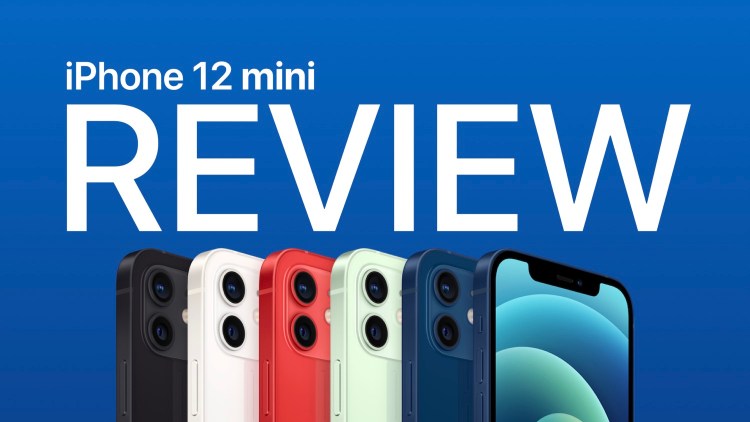
iPhone 12 mini: Small but Mighty!

Overview

The iPhone 12 mini was Apple’s attempt at a smaller, yet flagship smartphone. But, it wasn’t received well by the public. What could be the reason for this?

Design

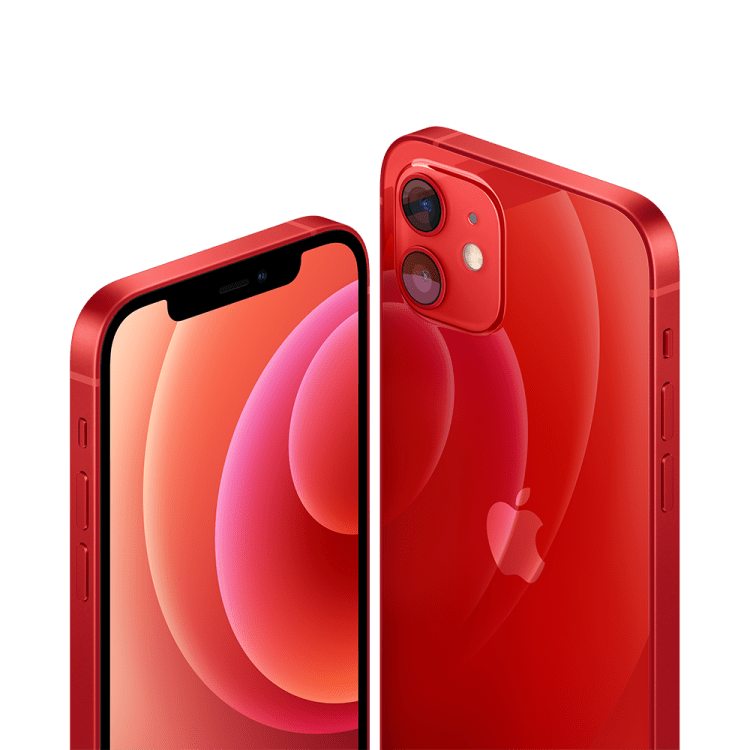
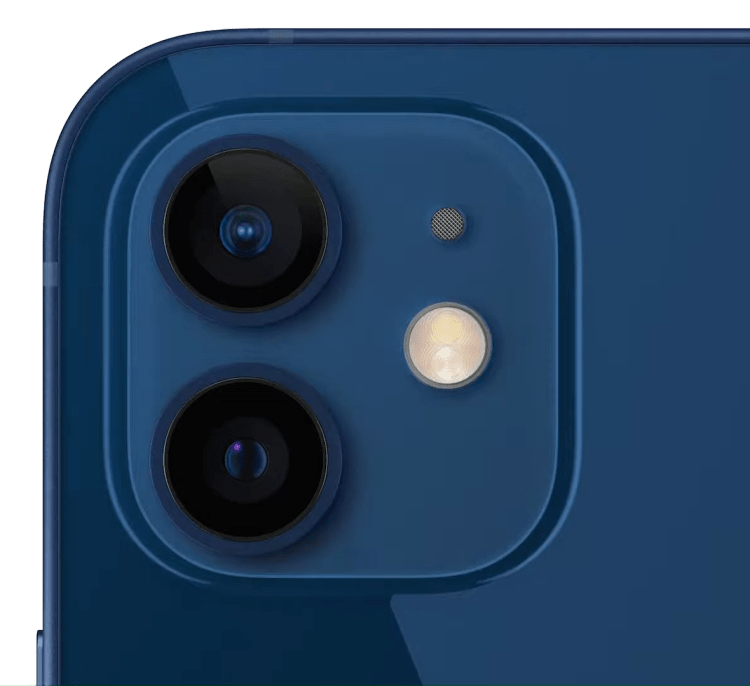
I love this design. The squared off edges provide more grip to the smaller form factor, making the phone less slippery. It not only looks great, but feels awesome and nostalgic. It gives that iPhone 4/4s vibes!

Display

The display is where the iPhone 12 mini shines! It has a 5.4” Super Retina XDR Display which has a contrast ratio of 2,000,000:1. For HDR content, the brightness can go up to 1200 nits. I can completely assure that one will never have to use this smartphone at over 75% brightness indoors.

Performance

Performance is just epic on this smartphone. It‘s a small display, but truly powerful and immersive. You can pretty much do anything on this phone and have no doubts on it’s processor. I have had no issues with the performance till now and believe to not face any issues for about 5-6 years!

Cameras

The cameras are amazing on the iPhone 12 mini. These are flagship level cameras with no downgrades from the higher end models. I did not miss the telephoto lens at all except for 1-2 situations. These are some camera samples:

The HDR 10+ footage looks amazing as well. Here are some video samples for the same:

http://undefined

http://undefined

Battery

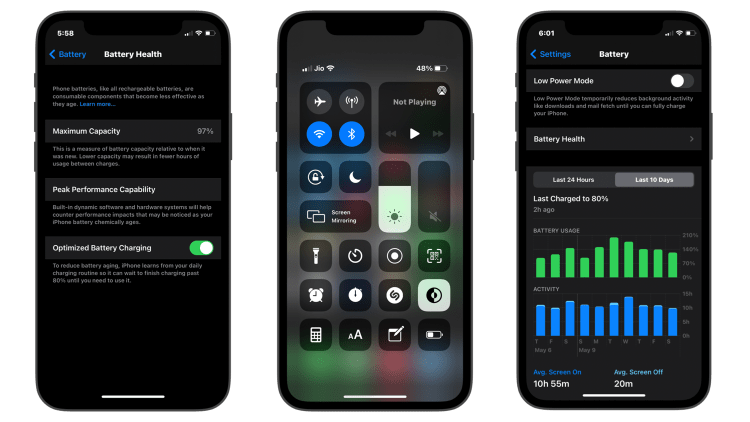
Probably the only downside of owning this phone is the battery life. Even though I end my day at 5%-7% on heavy usage, this smartphone is not a two-day phone by any means like the iPhone 12 Pro Max. But, it’ll get you through the day without any problems.

Tips to make your android faster

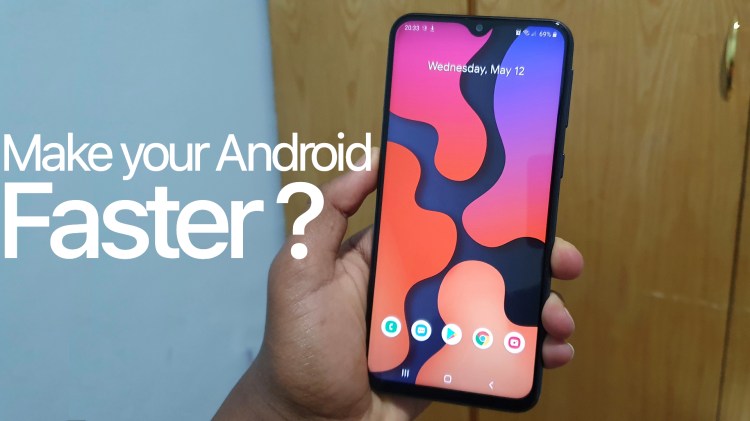
Android devices can get slow as they age. So, here are are 5 tips to make your android device faster.

1. Clearing cache files

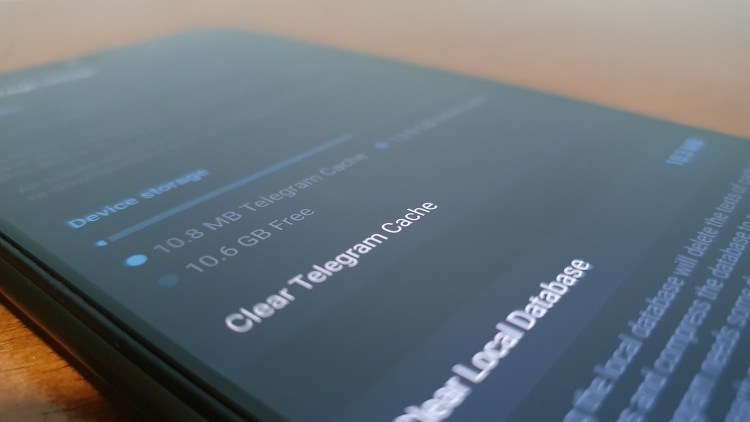
The first thing to do when your android is slow is to delete unwanted cache files from your phone. Apps store cache files to make the app work smoothly. But that slows down the phone because it’s filling up the storage. This process might log you out depending on the app so if you don’t want to logout don’t do it.

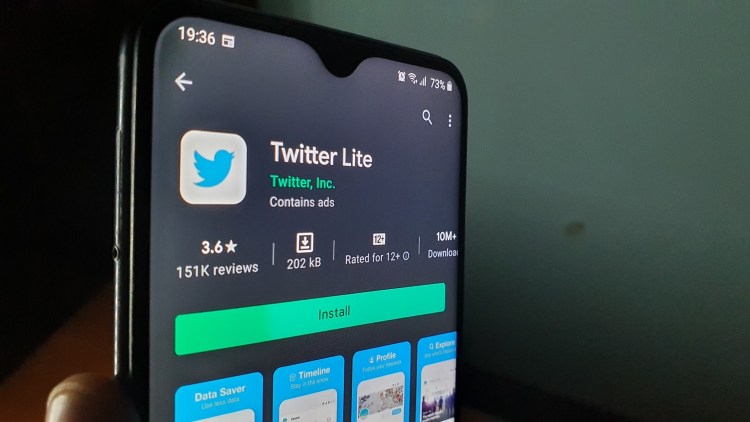
2, Using lite version of apps

This process is one of the best ways to make your android faster. This works by using toned down versions of popular Android apps AKA Lite apps.

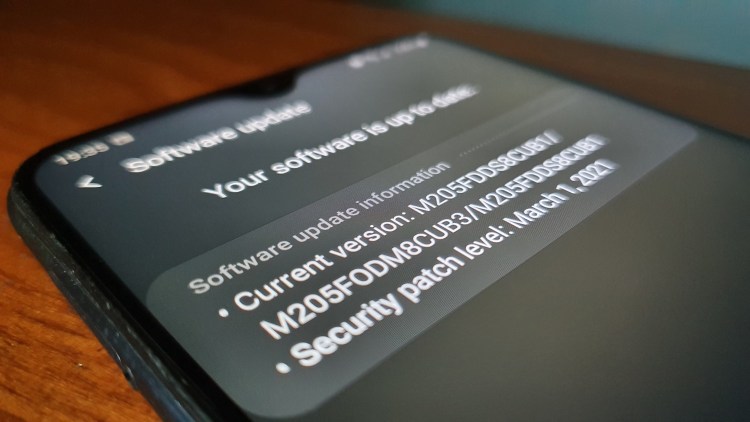
3, Keep your phone up to date

This might sound obvious but it can make your phone faster as it improves the overall performance.

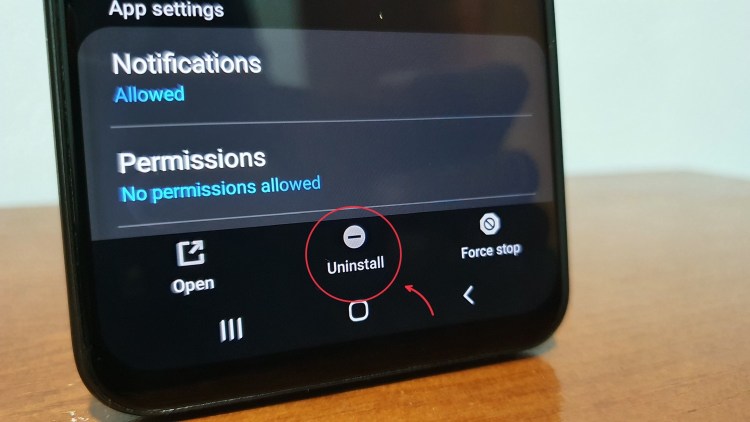
4, Reduce apps you don’t need

The more apps you have the more power it needs to run on. So as you reduce the apps you need less power to run the apps and that will make your phone run smoother.

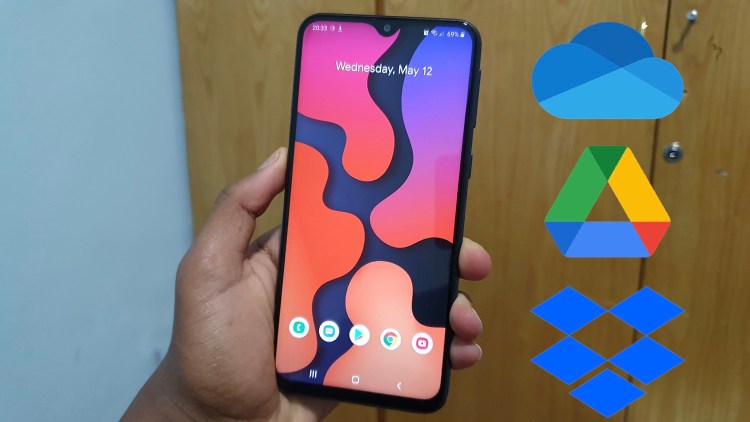
5, Use cloud storage options

It’s so important to backup your data in case something goes wrong. Not only it helps you protect your data but it also helps to make your phone faster because it doesn’t have to deal with the file.

Design a site like this with WordPress.com
Get started